01
M3U & Xtream Codes
Add M3U/M3U8 URLs or files, and Xtream Codes server credentials. Unlimited playlists.
OZ IPTV Player opens your M3U, M3U8 and Xtream Codes playlists in a Netflix-style interface. Enjoy live TV, movies and series enriched with TMDB metadata.
This app does not provide any IPTV content. You must supply your own subscription or M3U playlist.
All the tools you need to watch your own IPTV playlist with Netflix-quality experience.
Add M3U/M3U8 URLs or files, and Xtream Codes server credentials. Unlimited playlists.
Browse live channels, movies and series episodes from your playlist in dedicated tabs.
Movies and series are automatically enriched with TMDB posters, descriptions and ratings.
Turkish, English, German and French interface. Auto-selected based on device language.
Netflix-style dark theme by default; switch to light theme with a single tap anytime.
Lock specific categories with a 4-digit PIN. All data stored locally on your device.
Remove all ads with a private activation code. No server required — stored on your device.
Powered by media_kit / libmpv. HLS, DASH, RTSP, MKV, MP4 and more. Subtitles, audio tracks.
A quick overview of supported features on Windows, Android and iOS.
| Feature | Windows | Android | iOS |
|---|---|---|---|
| M3U / M3U8 | ✓ | ✓ | ✓ |
| Xtream Codes | ✓ | ✓ | ✓ |
| TMDB Metadata | ✓ | ✓ | ✓ |
| Subtitles | ✓ | ✓ | ✓ |
| Multi-Audio | ✓ | ✓ | ✓ |
| Parental Control | ✓ | ✓ | ✓ |
| Ad-Free Mode | ✓ | ✓ | ✓ |
| TV Mode (Android TV) | — | ✓ | — |
A glimpse inside the app.
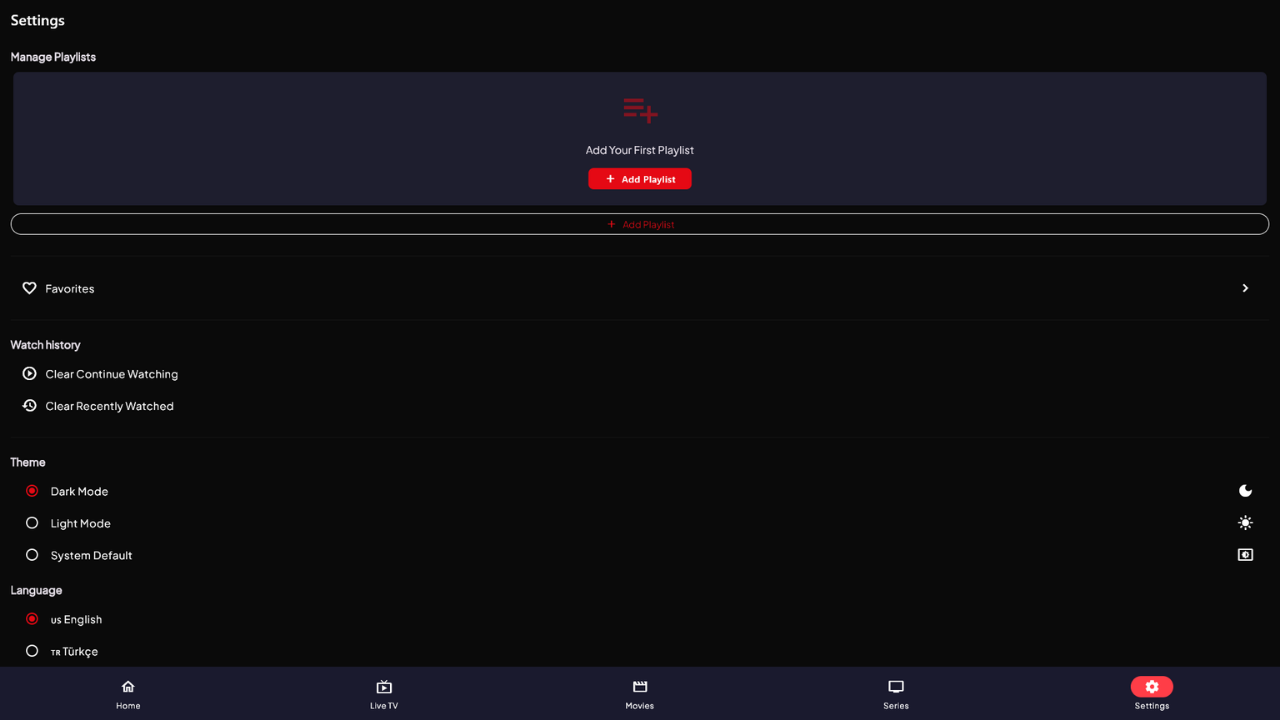

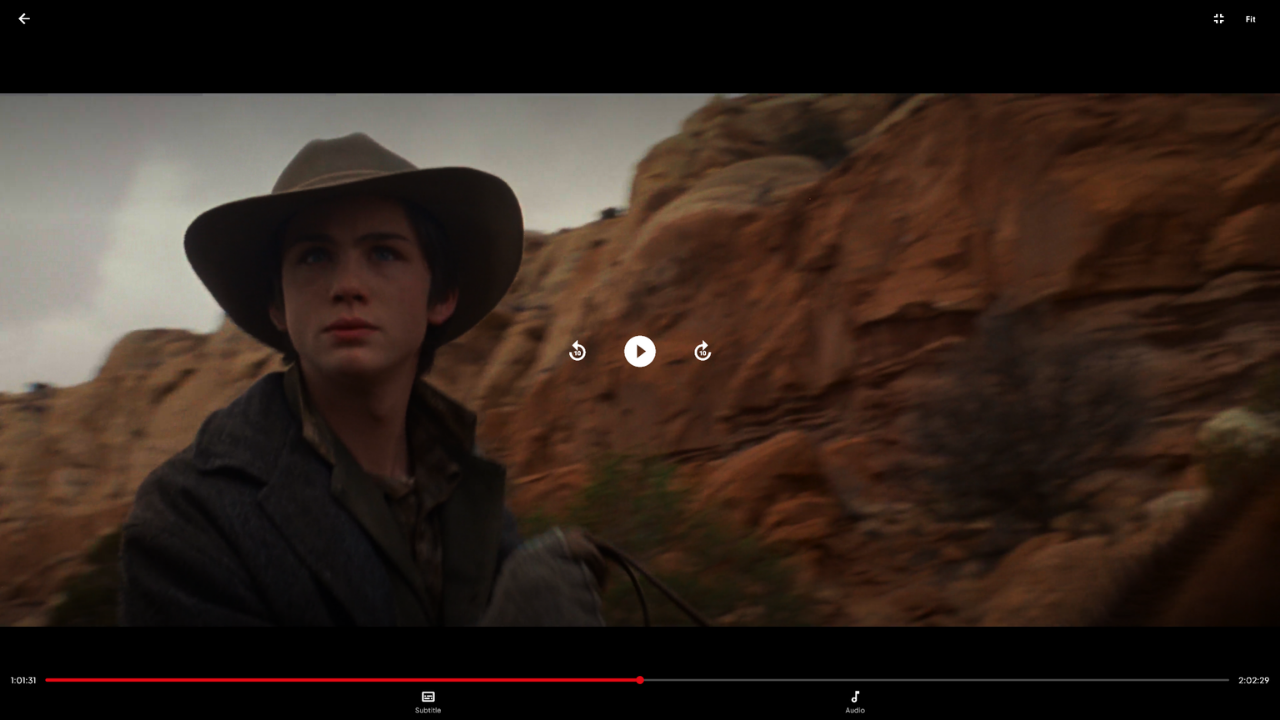
Windows, Android and iOS versions are ready to download now.
Full-screen experience for Windows 10/11 64-bit.
⬇ Download (.exe)Available on Google Play Store. Requires Android 7.0+ (API 24+).
Get It on Google PlayAvailable on the App Store. Requires iOS 16+.
Download on the App StoreRegular updates and improvements.
No. OZ IPTV Player is a player application only. It does not provide, host or distribute any live streams, movies or series. You must bring your own IPTV subscription (Xtream Codes server) or M3U/M3U8 playlist.
Yes, downloading and using the app is completely free. Google AdMob ads are shown within the app. To remove ads, use the Ad-Free Activation Code feature in Settings.
Playlist formats: M3U, M3U8 (URL or file) and Xtream Codes API. Video formats: HLS, DASH, RTMP, RTSP, MKV, MP4, AVI, TS, FLV, MOV, WEBM and all formats supported by libmpv.
Windows 10 or 11, 64-bit is all you need. No additional dependencies required. Download the setup file, run it, and the app installs in seconds.
Yes. The player supports SRT, SSA/ASS, WebVTT subtitles and embedded subtitle tracks. When multiple audio tracks or dubs are available, they can be selected from the player controls.
All user data (playlists, favourites, watch history, settings, Xtream credentials) is stored locally on your device only. Nothing is transmitted to any server.